Indicator Market
The Indicator Market is the hub where you can discover, purchase, or share custom trading indicators.
Key Features
- Search & Filter: Easily find indicators using keywords. Filter results by pricing (Free or Paid) and sort by Newest, Hot, Rating, or Price.
- My Purchases: Keep track of all acquired indicators in one place. Click "Use Now" to seamlessly jump to the Indicator IDE with the purchased indicator.
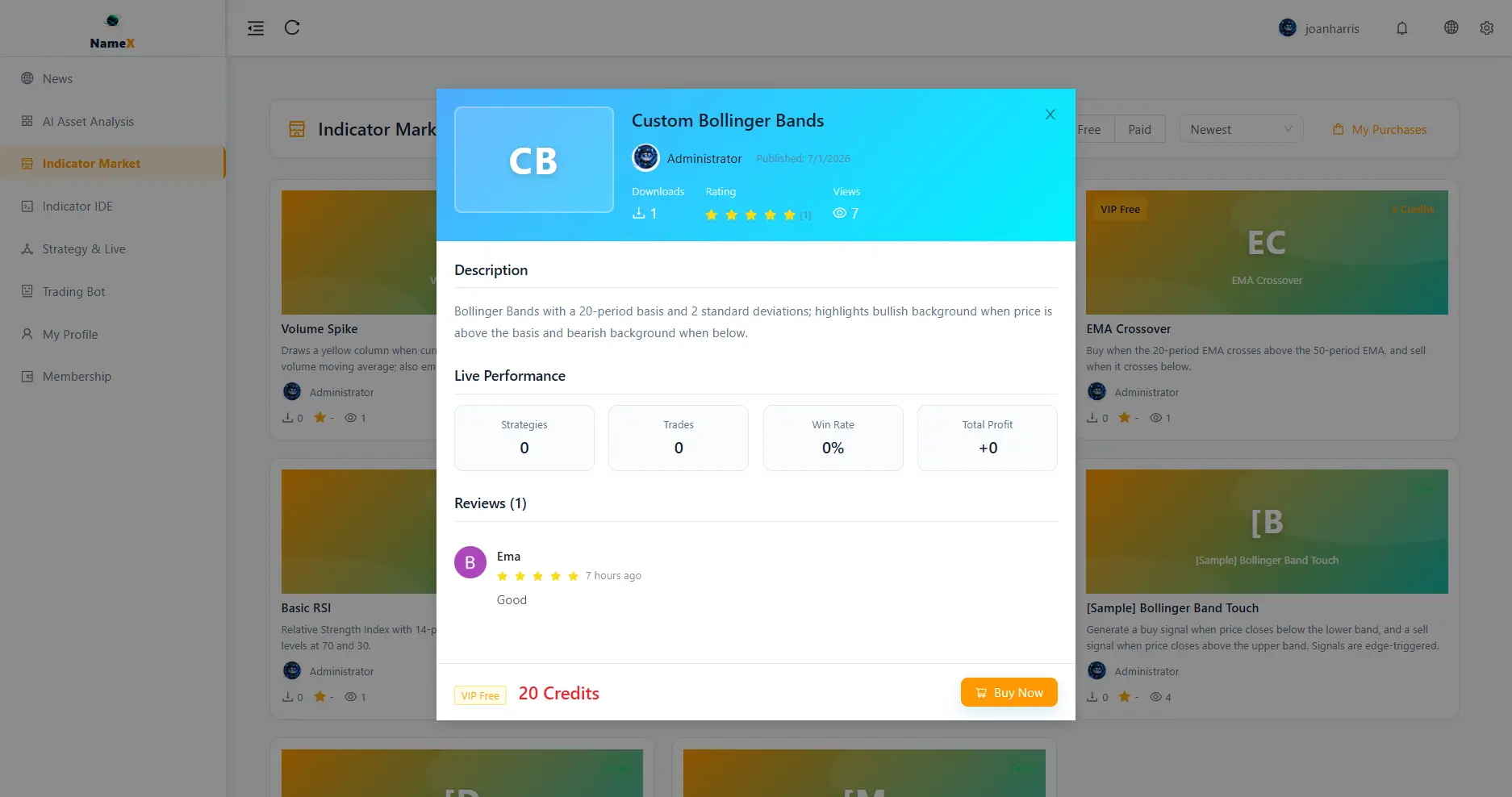
- Detailed Insights: View an indicator's details before acquiring to ensure it meets your trading strategy needs.
- Admin Review System: Administrators have a dedicated review panel to approve, reject, unpublish, or delete indicators to ensure quality control.
How to Use
-
Browse Indicators: Navigate to the Indicator Market and use the search bar, price filters, and sorting options to explore the available catalog.
-
View Details & Acquire: Click on any indicator card to view its full details. Proceed to acquire or purchase the indicator.
-
Manage Purchases: Click on the My Purchases button at the top right to view your library of acquired indicators.
-
Apply Indicators: From your purchases list, click Use Now to be redirected to the Indicator IDE, where you can immediately apply the indicator to your charts or trading bots.
FAQ
- Do I need to pay for all indicators? No, the market includes both Free and Paid indicators. You can filter by price to find community-shared free scripts.
- Can I refund a purchased indicator if it doesn't fit my strategy? Please review the detailed insights and backtest metrics carefully before purchasing, as digital scripts are generally non-refundable.